
Forms
Build, preview, start, send, and track forms tied to people and care follow-up.
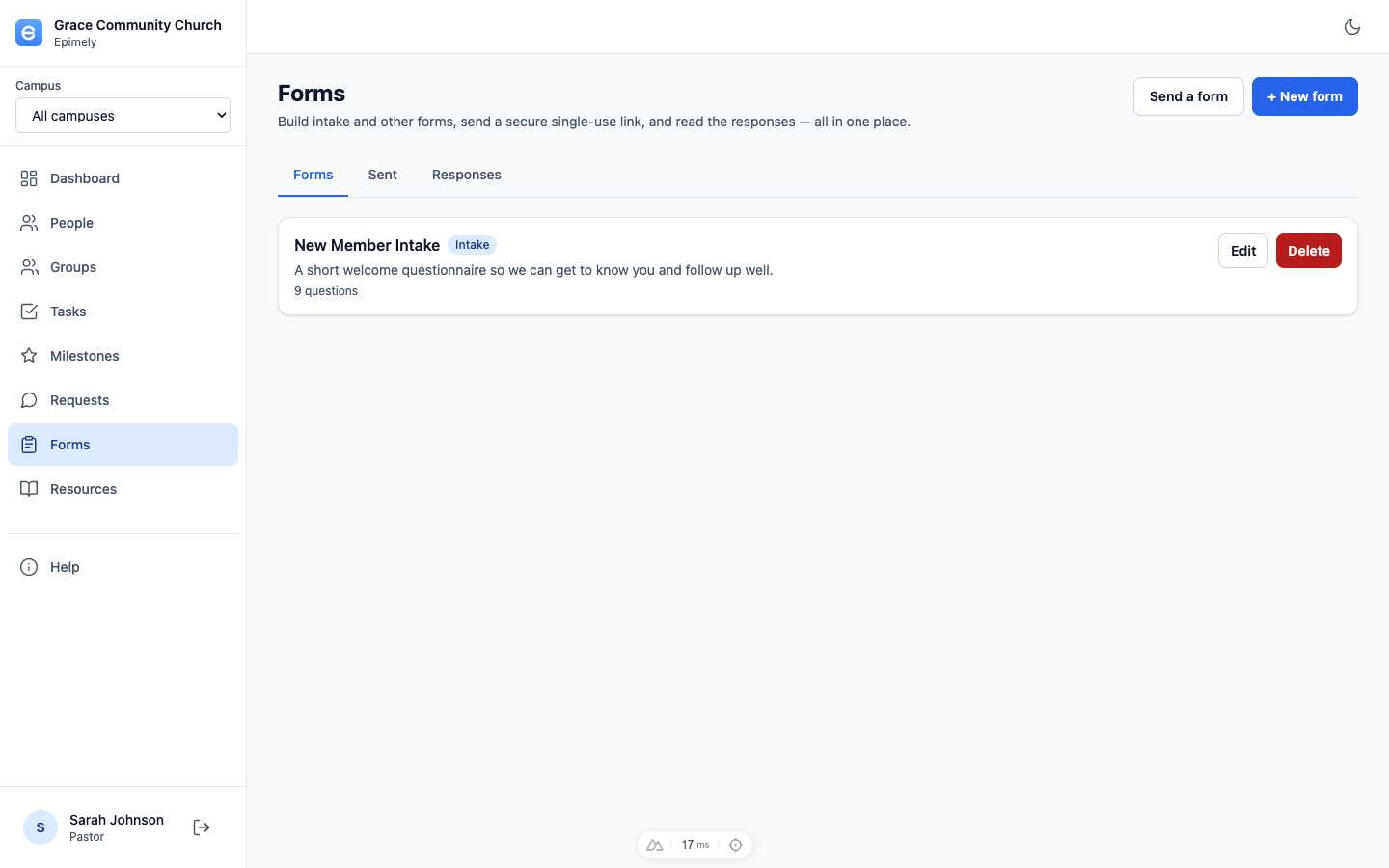
Forms lets your care team build intake questionnaires, pastoral-care documentation, and follow-up forms. Forms can be started by staff inside the app or sent as secure links.
Every tenant includes two standard forms by default: Pastoral Care Contact Log and Pastoral Care Safety Concern Report. Admins can disable a standard form if their church does not use it.
How to
Build or preview a form
Open Forms, create or edit a template, and use Preview in the editor to check the recipient experience before using it.
Start a form from the list
Each active form row has Start form. Pastoral Care and above can start a form for a person found through person lookup, even if they are not assigned to that person. The form stays linked to the person, but the staff member does not gain broader person-detail visibility.
Send a form from the list
Each active form row has Send link. Search for a person to send a person-linked form by email or text, or create a generic link when the person is not in the system.
Use generic links
Generic links require the respondent to enter name, email, and phone with validation before submitting. If a person-linked recipient says they are not that person, they can provide updated contact information.
Prefill standard care forms
When a person is selected for the Pastoral Care Contact Log or Safety Concern Report, Epimely pre-fills known name and contact fields where the form has matching questions.
Create follow-up tasks
When Follow-up needed? is marked Yes, or a safety report includes a next contact date, Epimely creates a pending follow-up task linked to the staff user and the person record. The form submission ID is included in the task description.
Read responses
Open Responses to review submissions. Reading a response is audited. Person-linked form submissions also appear on the person's page for users with permission.
Tips
- The Pastoral Care Contact Log is the expected record for contacts made with people assigned through requests or care plans.
- A sent form link is single-use and expires; send a fresh link if needed.
- Start form and Send link live inside each form row, not only in the page header.
Forms are for Pastoral Care and above. Admins manage whether standard forms stay active.