
People & directory
Search, filters, archived people, mass updates, PCO info, relationships, forms, and care history.
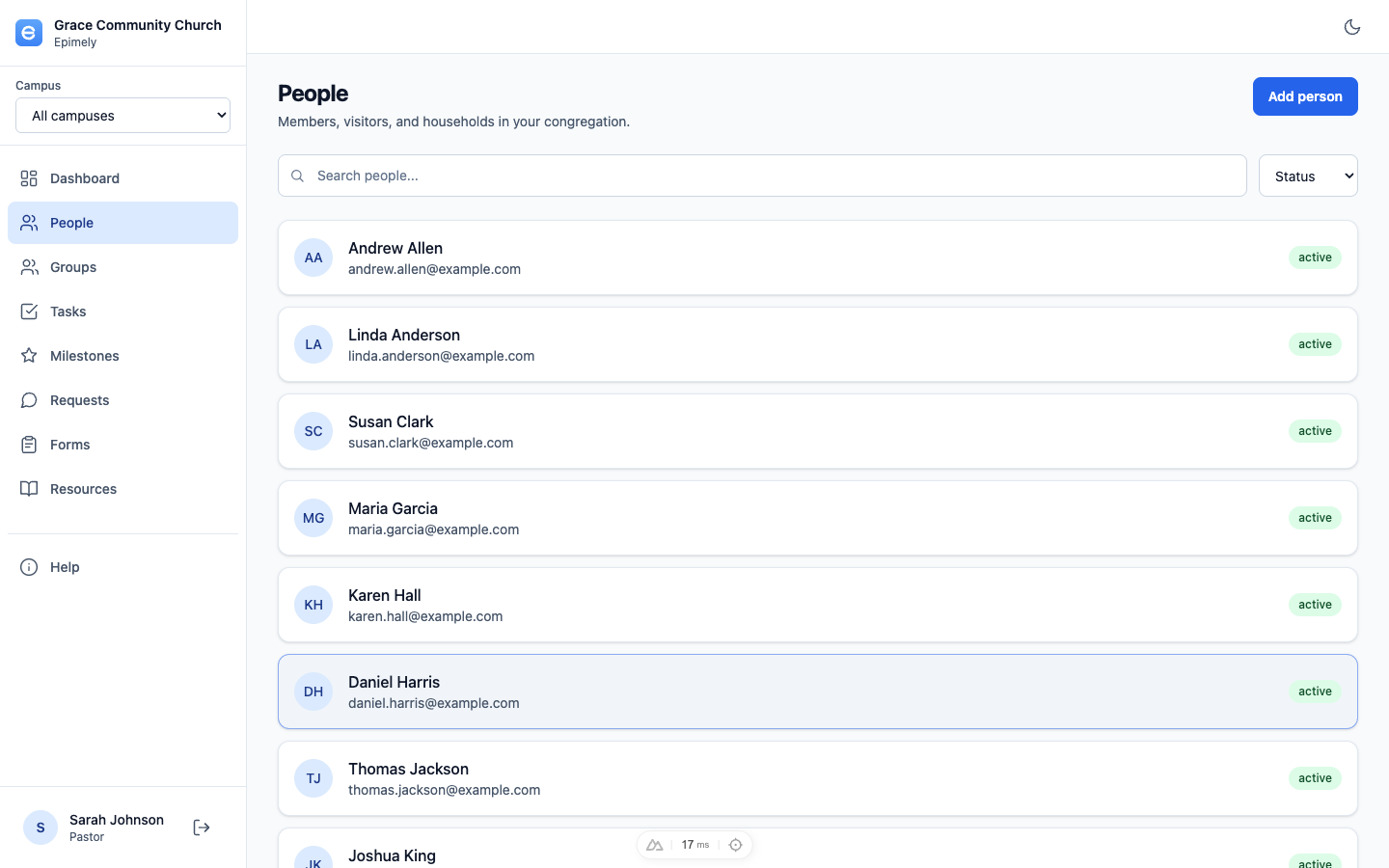
People is the church directory and the anchor point for care history. A person page can show contact details, photo, address, groups, relationships, milestones, forms, care requests, care plans, notes, and admin-only PCO metadata.
Browsing is intentionally restricted. Only admins in elevated admin mode can browse the full directory. Other permitted roles search for people, and non-admin search results redact sensitive PII beyond the minimum needed to identify a match.
How to
Search or browse
Use search to find people by name, email, or phone. Admins in admin mode can browse pages of people; other roles must search. The footer includes show 5, 10, 25, or 50 people, first/last page jumps, a page-number box, and x of y total counts.
Filter the list
Admins in admin mode can filter by status, flags, multiple membership types, no contact info, gender, age, profile-created range, last-updated range, PCO-created range, PCO-updated range, and PCO profile status where available.
Use archived people
Archived people are hidden from the normal list. Admins can switch to the Archived status filter to review or unarchive them.
Mass update people
Admins in admin mode can select one or many people and apply a status change, archive them, or apply a person flag in bulk.
Open a person
The person page formats phone numbers, shows a photo when available, and displays address fields when present. Admins see a PCO Info block with imported PCO metadata such as remote ID, campus, address, name extras, and child/student fields. Sensitive PCO notes and medical notes are not imported.
Work relationships and households
Relationships show linked people and household relationships imported from PCO where available. Use Add relationship to link spouses, parents, children, siblings, and other connections.
Review linked forms
Forms connected to a person appear on their person record for users who have permission to view that person's care detail. Staff can also start standard care forms from the person page.
Tips
- PCO is a one-way directory source of truth for demographics; Epimely should not overwrite PCO.
- Use flags for care triage labels like watching, hospital, new visitor, or recently bereaved.
- If a person should not normally appear in active search or browse, archive rather than deleting them.
People access is role- and row-scoped. Admin browse and bulk actions require active admin mode.