
Care requests
Incoming requests with person lookup, assignment, statuses, notes, and redacted triage.
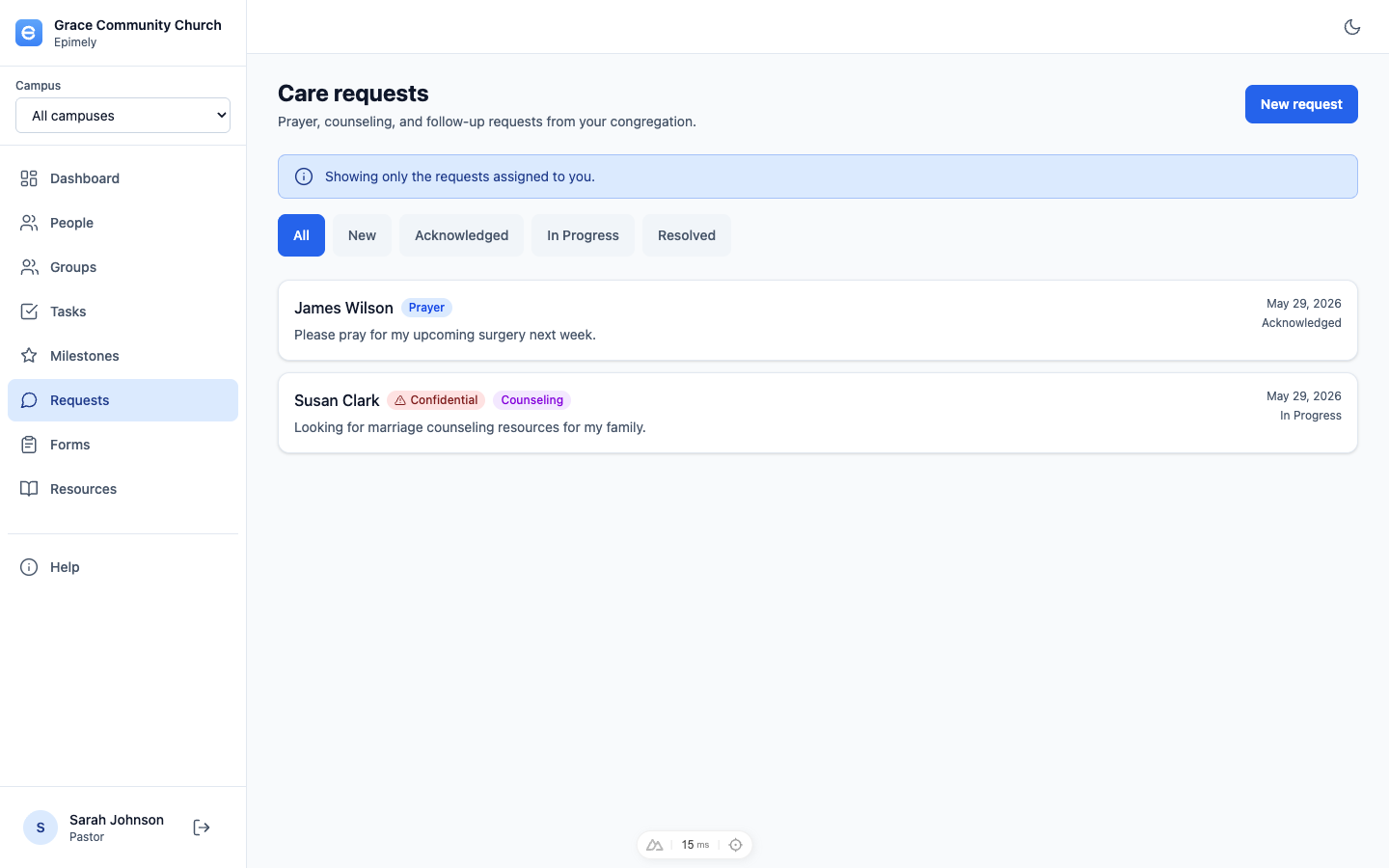
Requests is the incoming care queue for prayer, care, counseling, financial help, and other needs. Requests can be linked to an existing person or created with a new person during intake.
The queue is assignment-scoped by default for care workers and admins. Queue Managers can route the queue with request PII redacted on the server.
How to
Create a request
Click New request, search for an existing person or PCO-synced contact, or create a new intake contact if they are not in the directory. Enter the requester details, type, message, and confidentiality setting.
Assign the request
Open a request and use Assigned to. The picker includes active Admins, Pastoral Care Leaders, and Pastoral Care users, with current assigned-person, request, and care-plan counts so you can balance workload.
Update status
Use the request status picker to move the request through your church's custom care-status taxonomy.
Log notes and contacts
Care workers can add notes on the request timeline. When contact is made, use the Pastoral Care Contact Log form so contact history is tied back to the person and can trigger a follow-up task when needed.
Use Queue Manager triage
Queue Managers see request type, status, created date, assignment, and initials instead of full PII. They can assign and reassign requests without opening sensitive requester details.
Tips
- Confidential requests are visible only to Pastoral Care Leaders and above.
- If an admin sees only their assigned requests, use admin mode to open the full queue when necessary.
- Assignment changes update the request timestamp so queue health reflects recent routing.
- Queue Managers can create request-intake contacts from the request flow without gaining general People directory access.
Pastoral Care and above create and work requests. Queue Managers route requests with redaction. Confidential access is Pastoral Care Leader and above.